Monitoring & Telemetry
State, events, faults, and operation logs in real time.
 SMART - TRACTOR
Ready robotics platform
A universal robot for cities and farms, interchangeable implements and Fleet Management. Operate manually or run fully autonomous missions.
Explore the platform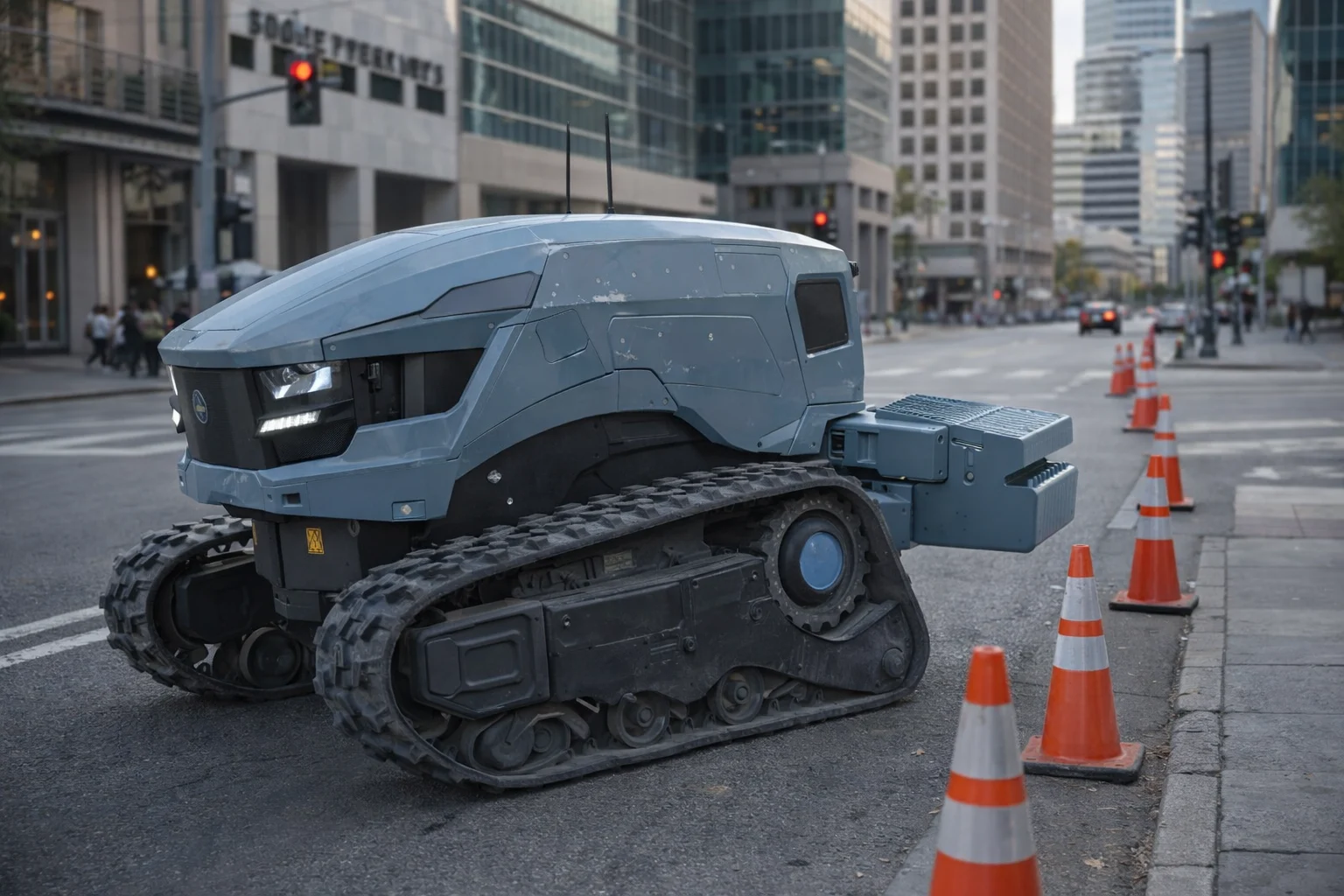
Change the implement to adapt the robot to field work or infrastructure maintenance.
Plan missions, monitor status and manage the robot through one portal.
Explore interface detailsFleet Management
The software part of your platform: plan missions, monitor work and manage both Smart-Tractor robots and retrofitted machines in one portal.
Your fleet, routes and mission planning in one workspace.
Remote driving, robot status and mission history, always within reach.
State, events, faults, and operation logs in real time.
Dispatch jobs, supervise execution, and confirm commands.
Service workflows, configurations, reports, and operation history.
Platform
A ready platform that brings the machine, its equipment and your operations into one system.
One mobile base for city and farm work. Choose manual control or autonomous operation to suit the task.
Fit the equipment your task needs. The modular design lets the same robot take on different operations.
Plan missions, control machines and see their status in the Fleet Management Portal.
The task defines the configuration: we select compatible implements and set up the operation for your site. The robotic base and portal remain the same.
The exact module set is selected for the operation and site. The platform architecture supports the following building blocks.
Tracked chassis, motors, motor controllers, gears, suspension and towing hook.
Battery and BMS, protected power distribution, 12/24 V conversion and charger control.
GPS/RTK, compass, IMU, front and rear LiDAR, 3D LiDAR, depth and surround cameras.
Safety controller and RC, emergency stops, beacon, bumper and environment sensors, LTE and Wi-Fi.
Onboard computer, safety controller, CAN and Ethernet networks, remote-control receiver and transmitter.
Rear lift and hook, quick attach, implement camera, PTO, hydraulic, power and CAN connections.
Choose your starting point
Start with the Smart-Tractor robotic base or assess equipment you already own for retrofit. Both paths connect operations to Fleet Management.
Smart-Tractor robot
Choose the operation, implement and control mode. We configure the tracked base, sensing, safety and portal workflow for the site.
Retrofit
We assess the machine, its interfaces and intended work, then define the sensing, compute, control and safety modules required.
Solutions
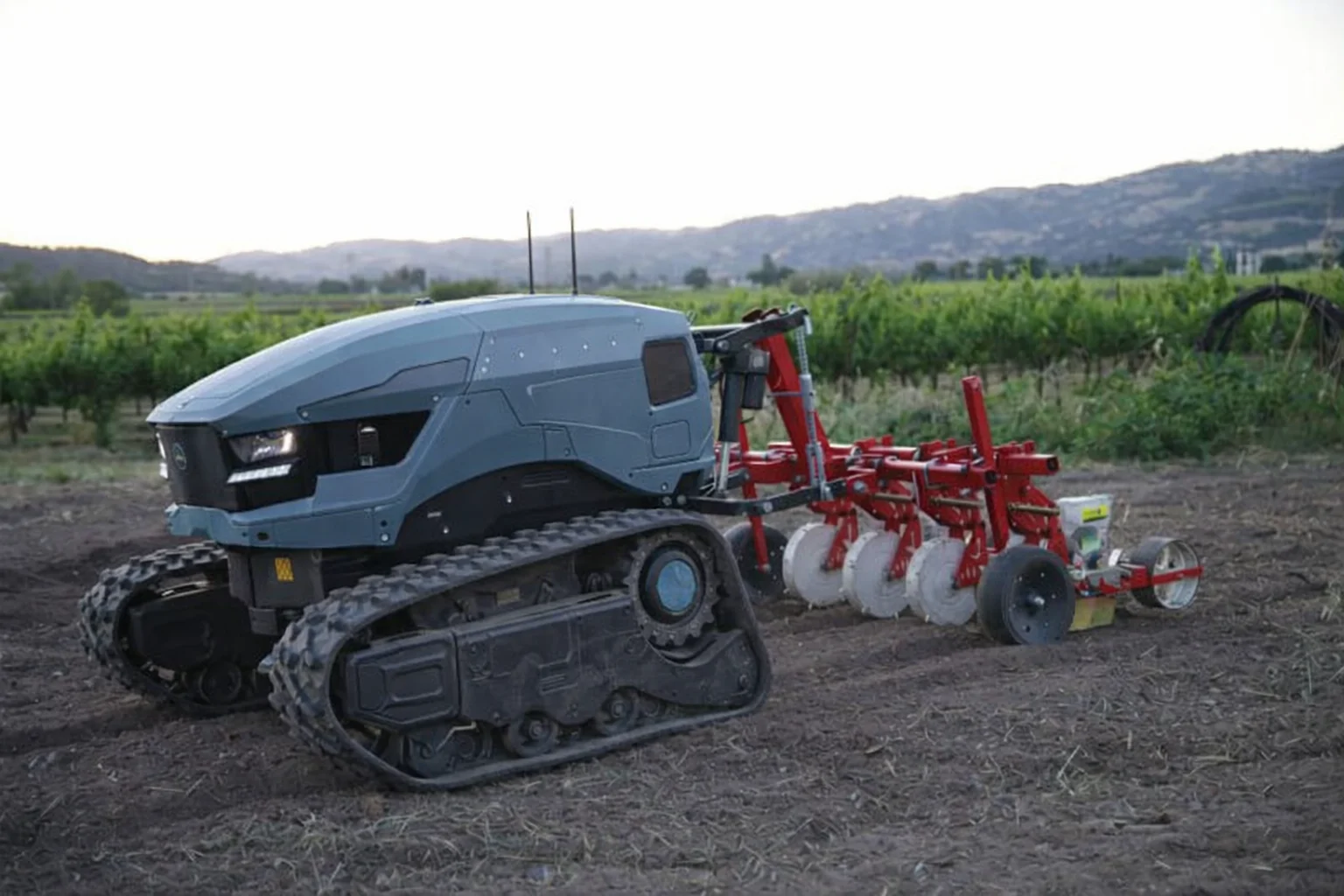
A modular robotic base for work on farms, in fields and vineyards. Match the implement to the operation and choose manual or autonomous control.
The same platform for urban maintenance and inspection. Configure the equipment and operating mode for the site and the work to be done.
Pothole patching, concrete cutting and grinding, concrete handling, painting, asphalt work and vibration rolling. Compatibility and operating mode are assessed for each project.
The implement, mission and operating conditions are defined for each application.
Example POC path
Each stage adds automation while keeping an operator override. Before/after height measurement provides a clear result from the first field POC.
A fixed concrete grinder and depth camera measure the raised lip before and after work. The operator drives the base and controls grinder height.
A remotely controlled lateral axis lets the grinder sweep across the joint while the base remains parked.
Depth perception detects the uplift and aligns the grinder laterally. The operator positions the base and retains manual override.
A 2.5D height map tracks inspected areas, material removed and remaining defects for job reporting and future automation.
Planning ranges are preliminary estimates from project start, not delivery commitments. Final scope follows machine, site, safety and calibration review.
Discuss a sidewalk POCOperating modes
Two ways to use the same robot. Choose the mode for the task and working conditions.
Manual control
Drive the robot remotely and direct its work yourself. A practical mode for individual tasks and work that needs direct operator involvement.
Fully autonomous
Configure the route and operation in Fleet Management. The robot carries out the prepared mission autonomously while the operator monitors its progress.
Retrofit Services
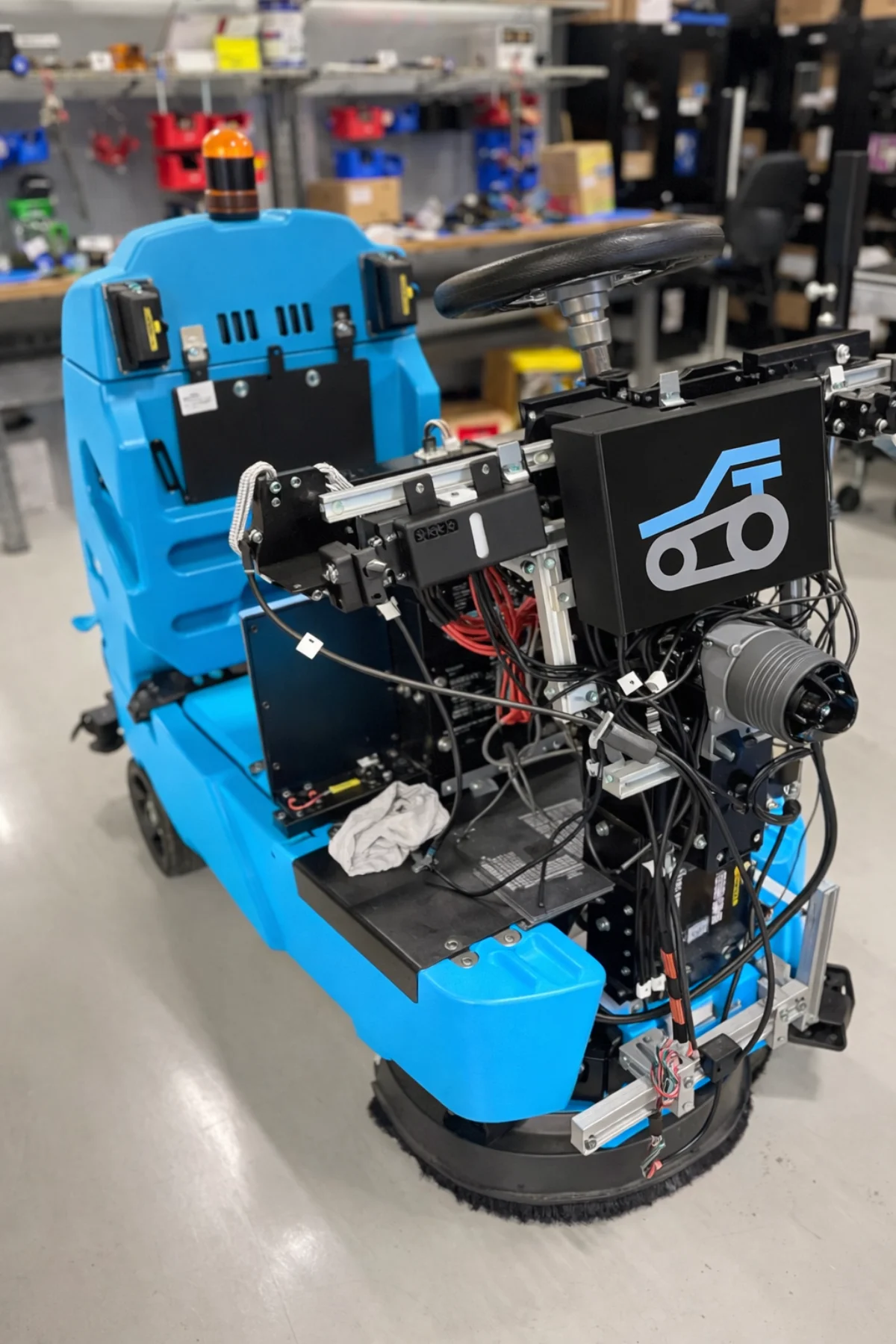
Already have a machine? Retrofit adds robotic control and connects it to Fleet Management.
We assess the machine and its tasks, select navigation and control modules, and configure manual or autonomous operation within the agreed scope.
How It Works
Start with a Smart-Tractor robot or retrofit your machine. Select the implement for the task.
Control the robot manually or prepare an autonomous mission in the portal.
Monitor machine status, task progress and operation history in Fleet Management.
In the field
FAQ
Key details for deployment, fleet operations, and launch planning.
Smart-Tractor is a ready platform combining a universal robot and Fleet Management Portal. Compatible implements are selected for your operations.
Yes. The robot supports manual remote control and fully autonomous execution of prepared missions. The mode is chosen for the task and operating conditions.
Yes. The modular base is shared across both applications. Implements and mission settings are selected for each operation and site.
Retrofit adds robotic capabilities to compatible machines and connects them to the same portal. We first assess the equipment, control interfaces and intended tasks.
Contact
Tell us what needs to be done, where the machine will work, and whether you need a robot or a retrofit. We’ll help select the equipment and operating mode.